- Developer
- Mojang
- Installs
- 50M+
- Downloads
- 1
- Views
- 8
- Updated
- Oct 25, 2026
Screenshots
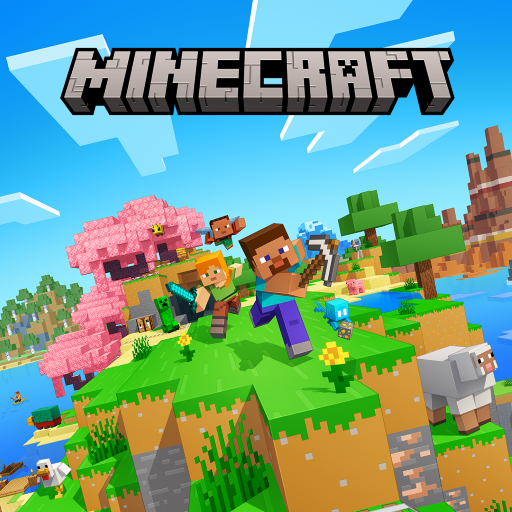
About Minecraft: Dream it, Build it!
Minecraft is a sandbox game in which you explore a world made of blocks, gather materials and build whatever you imagine. It has no fixed storyline, so players create their own goals. The mobile version supports touch controls and shares many features with other platforms. This page explains the modes and gives advice for beginners.
The world
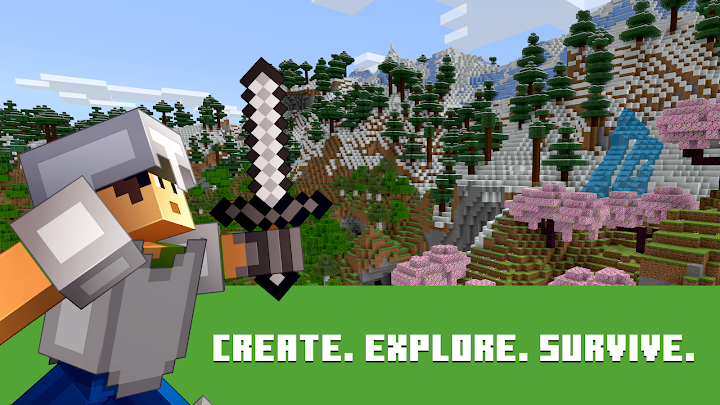
Each world is generated with forests, deserts, mountains, oceans and caves. You can walk, swim and dig through nearly everything. Time passes between day and night, and the night brings monsters in survival mode. The sense of freedom is the main attraction.
Survival mode
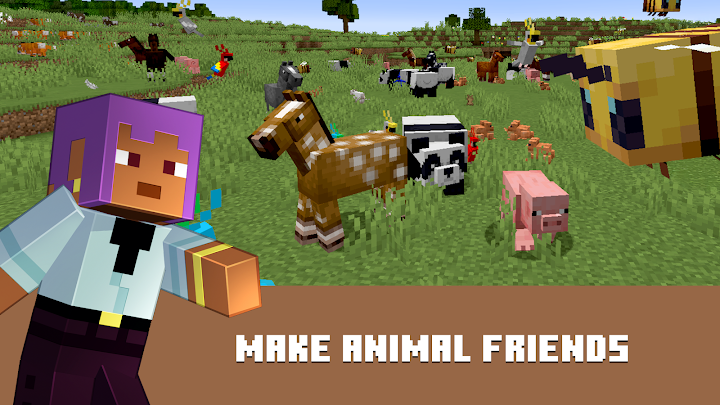
In survival mode you gather resources, craft tools and build shelter. You must manage hunger and health. The first steps are to collect wood, make a crafting table and craft basic tools. Before the first night, build a small shelter and place a light source. Food comes from farming and animals.
Creative mode
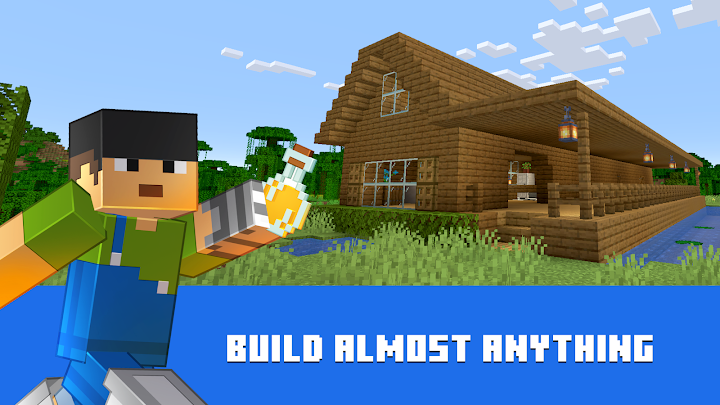
In creative mode you have unlimited resources and can fly. There are no enemies, so you can focus on building. It is a favourite with those who enjoy architecture and design, and it can be used for experimenting with ideas, from houses to large structures.
Crafting and redstone
Crafting combines items into tools, blocks and equipment. Recipes are simple at first and become more complex. Redstone is a material that works like wiring and allows you to create machines, doors and traps. It is optional, but it provides depth for players who like logic.
Controls on touch screens
You move using a virtual joystick and look around by dragging. Buttons let you jump, break and place blocks. You can customise the layout and sensitivity in settings. It may take some time to feel natural, but most players adapt quickly.
Tips for your first day
Collect wood immediately and craft a pickaxe. Mark your home location with a sign or torches. Dig into a hillside for quick shelter if night falls. Do not wander far without supplies. Keep a few food items in your inventory.
Multiplayer and safety
You can play with friends on the same network or online through supported services. Online play may include chat with other players, so parents should review privacy and communication settings. Joining servers should be done with care and supervision. Private worlds with trusted friends are the safest choice.
Creativity and learning
Many families and schools use the game to encourage creativity, planning and teamwork. It can be calming or challenging, depending on mode.
Price and advertising
The game is usually a paid download with optional purchases of content. Some features may require an account. The game can use significant storage as worlds grow.
Starting a world
When you create a new world, spend a minute choosing settings that match your goals. Survival with peaceful monsters can be a gentle way to learn, while creative mode lets you practise building without risk. Keep a small notebook, or a sign in the game, with the coordinates of your home so that you can always find your way back after exploring.
Summary
Minecraft rewards curiosity and patience. Start with survival to learn the basics, try creative for building and play online carefully.