
- Developer
- PLAYSTUDIOS US, LLC
- Installs
- 50M+
- Downloads
- 1
- Views
- 7
- Updated
- Oct 25, 2026
Screenshots
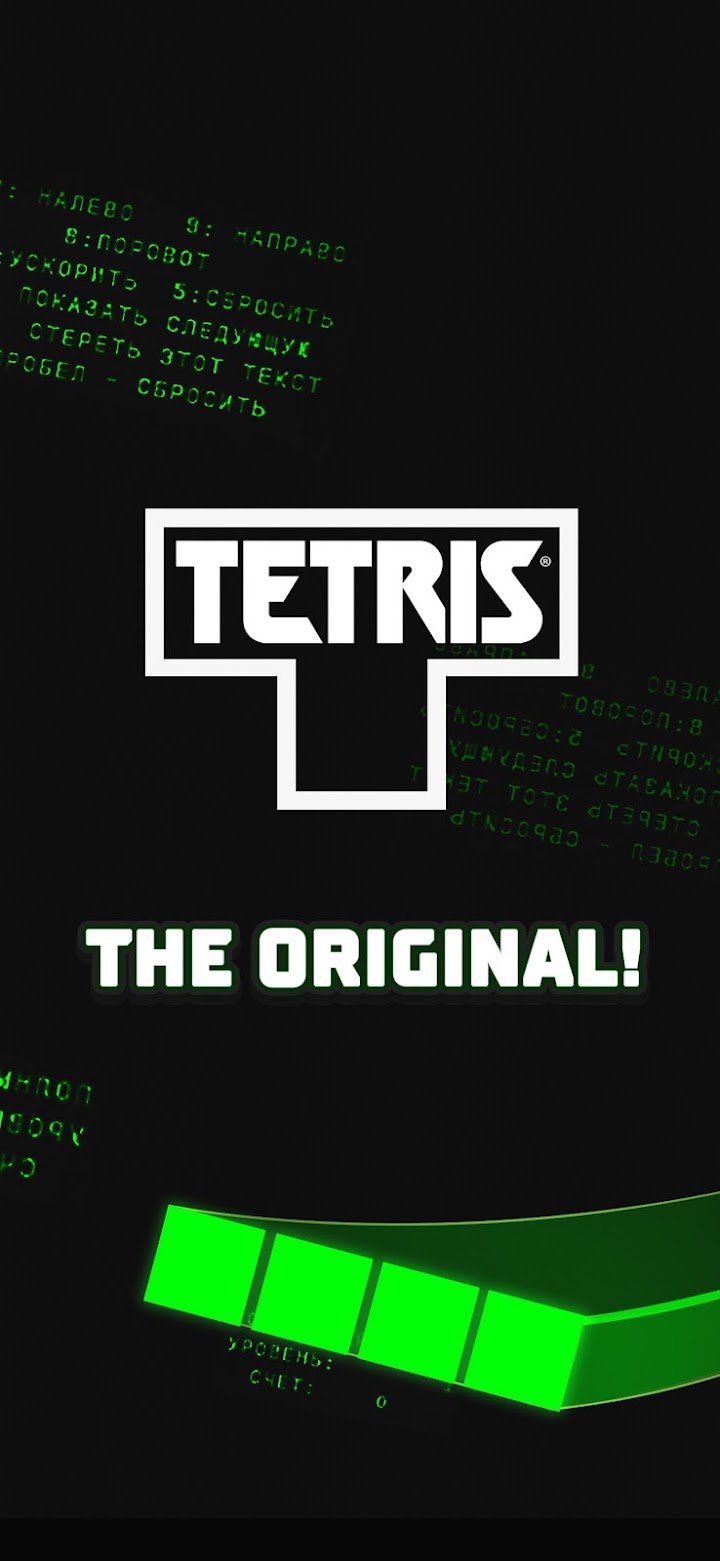
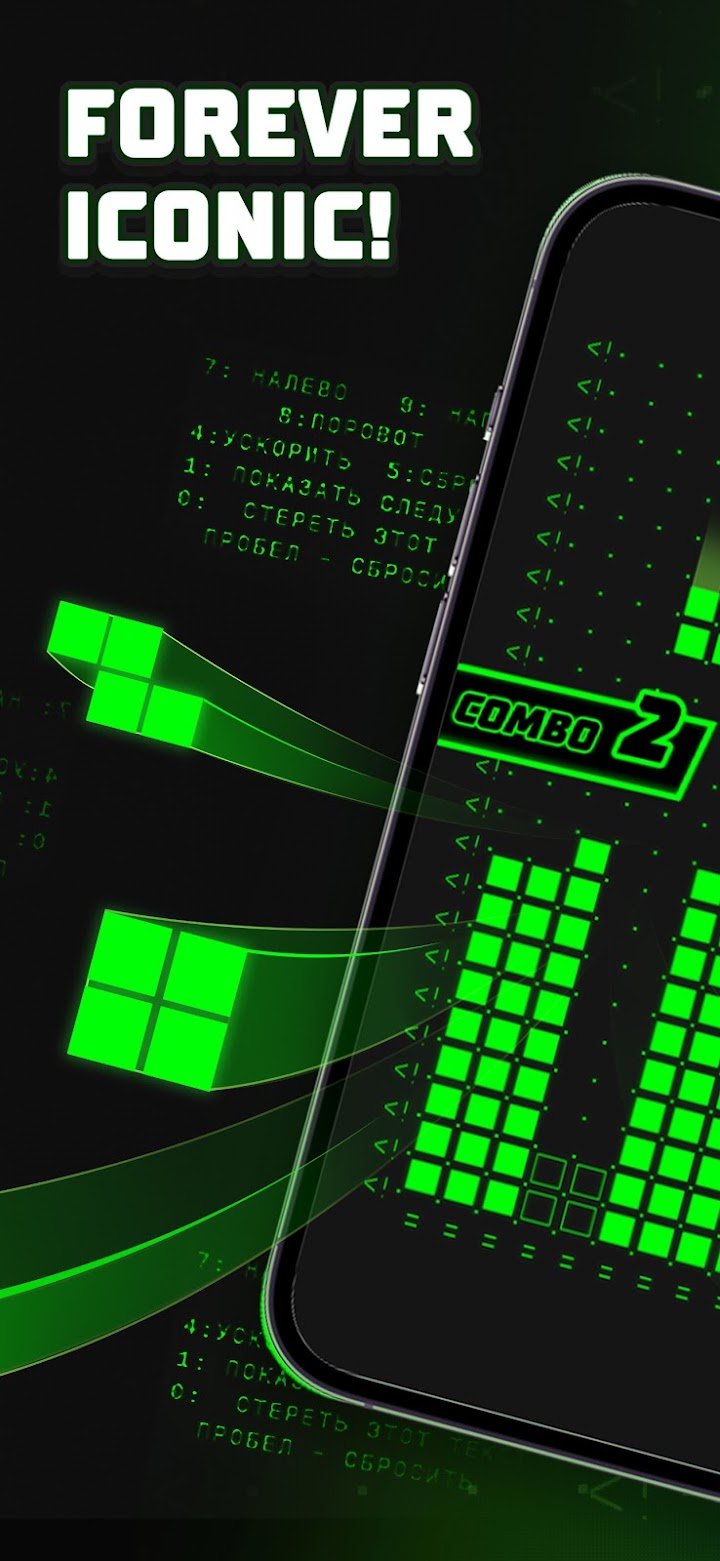
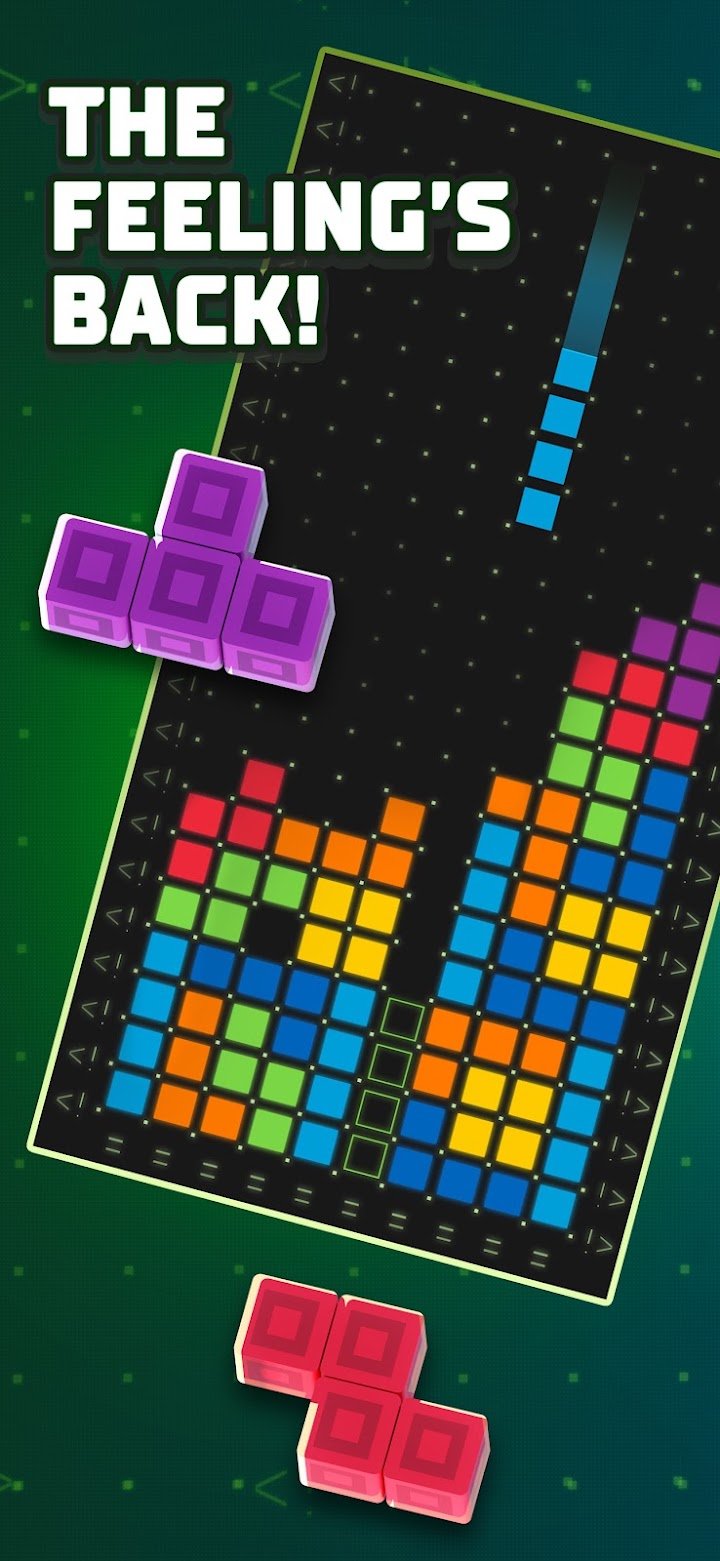
About Tetris®
Tetris is one of those rare games that needs no introduction, yet the mobile edition deserves a closer look because it changes a few things about how the classic is played. On this page we explain what the app offers, how it feels on a phone, and how to get better at it without spending anything.
What the game is about
The core idea has not changed in decades. Seven shapes made of four squares each fall from the top of a narrow well, and you rotate and slide them so they lock into complete horizontal lines. A finished line disappears, giving you more room. If the stack reaches the top, the round ends. This mobile version wraps that loop in a set of modes, so you can either play a short session while waiting for a bus or settle in for a long run that tests your concentration.
Game modes worth knowing
The app includes level-based play with small objectives, a marathon-style endless mode where speed keeps rising, and other single player formats that ask you to clear lines under different rules. Level-based play suits beginners because each stage has a clear goal, such as clearing a set number of lines. Endless play is where experienced players chase personal bests, because the falling speed gradually removes your thinking time.
How it plays on a touchscreen
Touch controls are the biggest difference from the original handheld versions. You can swipe to move and drop pieces or use on-screen buttons, depending on your settings. Most people find swiping faster but less precise at high speed, while buttons feel slower but more exact. We suggest trying both for a few rounds before deciding. If you often misplace pieces, switching control style is the easiest fix.
Practical tips for higher scores
Keep your stack flat. A surface with few holes gives every new piece somewhere to go, while a jagged surface forces awkward placements. Leave one column on the edge open and wait for a long vertical piece to clear several lines at once, because clearing four lines together scores far more than clearing them one at a time. Use the preview of the next piece to plan your current move rather than reacting after it lands. And avoid panic rotations: every extra spin costs a fraction of a second that you will miss at higher levels.
Is it for you?
This app suits people who like short, repeatable challenges and who enjoy improving a skill over time. It works well for children learning spatial thinking, for adults who want a calm distraction, and for long-time fans who want the classic rules in their pocket. It is less suitable if you dislike games that include ads or optional purchases, since the free version may show promotions between rounds.
Things to keep in mind
The game is free to download, but some features may be offered through optional purchases, and the amount of advertising can vary by region and version. If you play with young children, you may want to review the device purchase settings first. Battery use is modest compared with 3D games, though long sessions with a bright screen will still drain a phone.
Final thoughts
Tetris on mobile remains a dependable puzzle experience. The rules are simple enough to learn in a minute, and the skill ceiling is high enough to stay interesting for years. If you want a focused, no-story game that rewards patience and planning, it is an easy recommendation.